
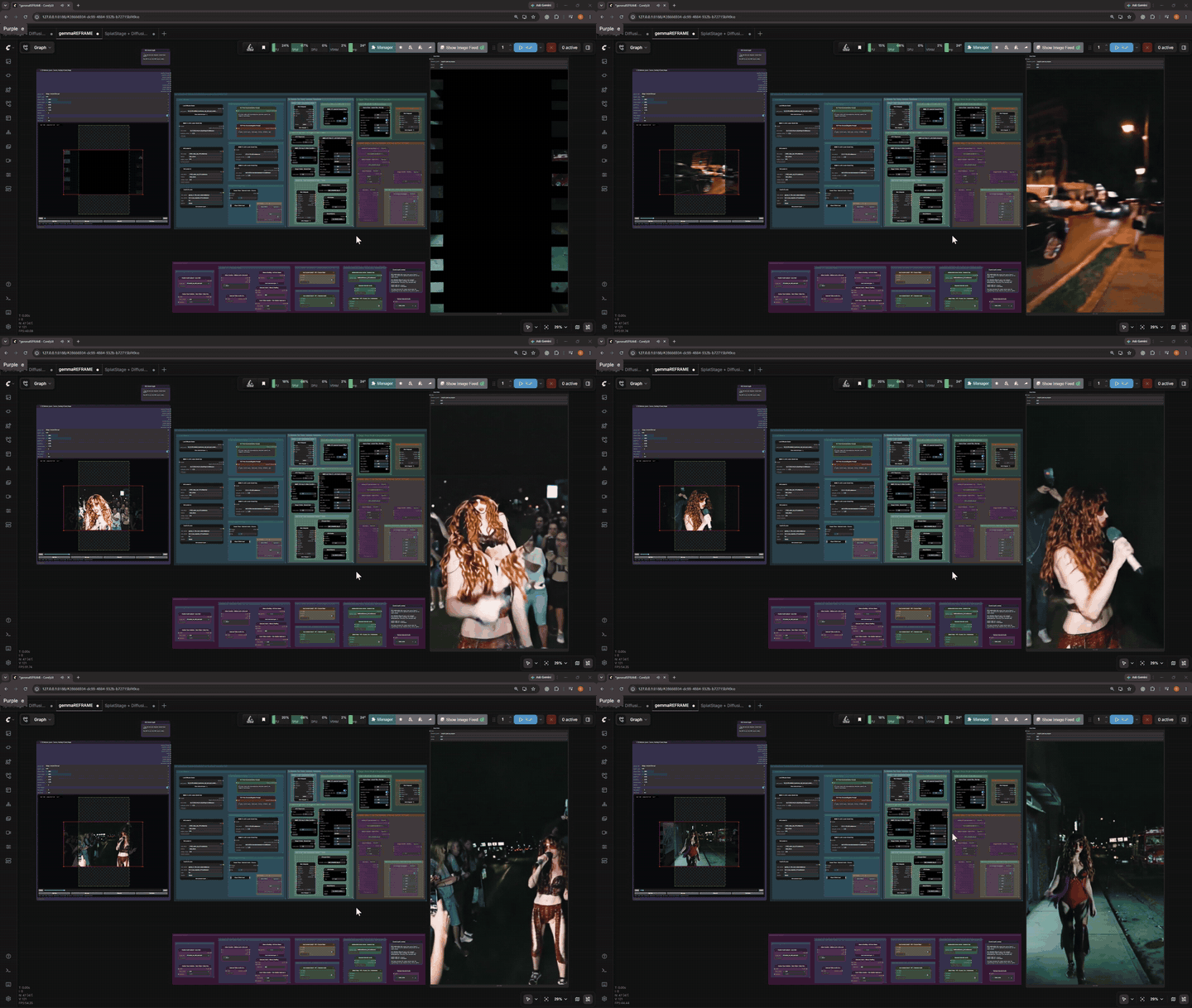
▶ Watch the full 21-second demo with audio
Standalone ComfyUI nodes for positioning a source video on a new LTX-compatible canvas, fitting generated frames back to that canvas, loading optional custom audio safely, and applying a temporally stable rectilinear correction.
The reframe tools are packaged independently for focused installation and release.
| Node | Purpose |
|---|---|
LTX Reframe Layout |
Selects a source video, previews and serializes its placement, optionally selects an LTX-compatible frame range, and outputs padded frames, masks, audio, FPS, video, target dimensions, and placement metadata. |
LTX Reframe Target Fit |
Center-fits an image batch to the exact target canvas dimensions. |
LTX Reframe Rectilinear Correction |
Applies a deterministic, mask-aware barrel-to-rectilinear correction to a generated frame batch. |
LTX Reframe Custom Audio Loader |
Loads optional custom audio only when its lazy workflow branch executes. |
Only these four node classes are registered by this repository.
Clone the repository into ComfyUI/custom_nodes:
cd ComfyUI/custom_nodes
git clone https://github.com/exportAnything/ComfyUI-LTX-Reframe.git
Restart ComfyUI after installation. The nodes appear under the Lightricks/video and Lightricks/audio categories.
This package has no additional Python dependencies beyond the current ComfyUI runtime.
examples/gemmaREFRAME_v1.json is the source workflow used to define the package boundary. It uses all four nodes; LTX Reframe Target Fit appears inside a nested subgraph.
The workflow starts with its primary generation path active while optional post-processing and alternate Stage 2 paths are bypassed. Its lazy audio switches default to source audio, vocals, and the unisolated selected track, so optional audio branches do not run unless they are deliberately enabled.
The full example also depends on:
- ComfyUI core 0.24.0 or newer
- ComfyUI-LTXVideo
- ComfyUI Essentials
- ComfyUI-KJNodes
- ComfyUI-Easy-Use
- ComfyUI-MelBandRoFormer
- comfy-mtb
It references local model and input-media selections. Install the dependencies and choose files available on your own ComfyUI system before running it.
See MODEL_DOWNLOADS.md for every model selected by the workflow, its exact install folder, authoritative download link, gated-access notes, and the required ID LoRA rename.
- Choose or upload a source video in
LTX Reframe Layout. - Select an aspect preset or enter exact target dimensions. Dimensions snap to multiples of 64.
- Drag the red source rectangle to move the video. Drag a red corner to scale it without changing its aspect ratio.
- Optionally enable a frame range. Multi-frame LTX ranges are aligned to
8n+1; a single frame is also allowed. - Connect
padded_framesandoutpaint_maskto the LTX inpaint/outpaint preprocessing path. - Use
source_maskfor source protection or a final source-preserving composite. - Use
LTX Reframe Target Fitafter learned upscaling when the result must match the exact canvas. - Optionally apply
LTX Reframe Rectilinear Correctionafter the final fit.
The layout node uses one static placement for the entire clip. It does not provide keyframed motion, rotation, or perspective warping.
Run the focused backend and frontend checks from this repository:
C:\ComfyUI\.venv\Scripts\python.exe -m unittest discover -s tests -p "test_*.py"
node tests/test_ltx_reframe_layout_ui.mjs
The Python tests are intended to run in a ComfyUI environment so ComfyUI's runtime modules are available.
MIT License. See LICENSE.


