
Minimal voice dictation for pi. No floating bubbles, no menu bar app, no notifications.
- Toggle:
alt+m(press to start, press again to stop) — works anywhere in pi, not just the main chat input: quiz popups,ask_user_question,ctx.ui.editor()/input()dialogs, selectors. The key is intercepted at the TUI input layer, before whatever component has focus. - Cancel:
alt+n(discard the in-flight transcript; safe to press anytime, no-op when no dictation is in flight) - Where text goes: to whatever input field is focused when you stop (never replaces, always appends):
- Main chat editor or any
ctx.ui.editor()/input()popup → appended directly. - Opaque dialogs (quiz / ask_user_question selects) → typed in as keystrokes. Their internal focus is invisible to the extension, so Tab into the note/Other field first — that's where the text will land.
- Nothing text-capable focused → transcript is copied to the clipboard (via
pbcopy, so macOS-only) and a notification says so. A finished dictation is never lost.
- Main chat editor or any
- Start guard: if no input field is focused when you press
alt+m, dictation doesn't start and a notification explains why. - Live feedback: while recording, the status row shows a red
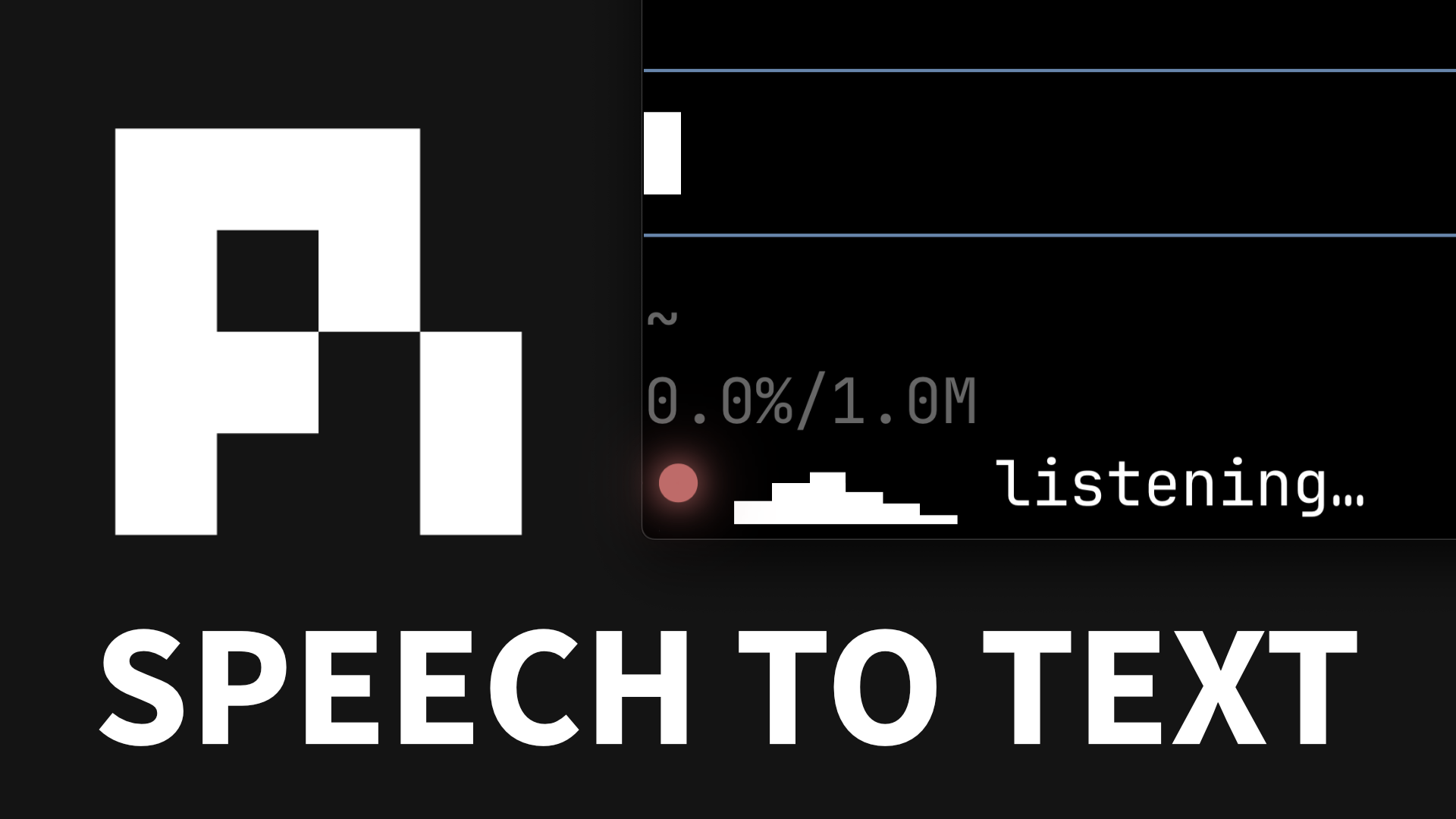
●plus a real-time mic-level meter (● ▂▅▇ listening…) — instant confirmation your mic is live. On stop it flips to afinalizing…spinner. - Backend: Deepgram Nova-3 streaming
- What's "real-time": audio is transcribed while you talk; the finalized text is inserted in one shot when you stop. Stop-to-display latency is typically ~300-500ms.
pi install git:github.com/amosblomqvist/pi-dictateOr manually: copy index.ts to ~/.pi/agent/extensions/dictate/index.ts.
brew install sox                              # provides `rec` for audio capture
export DEEPGRAM_API_KEY=dg_xxxxxxxxxxxxxxxx   # add to ~/.zshrc or ~/.bashrc
Sign up at https://console.deepgram.com — $200 free credit, no card. The Nova-3 streaming rate is $0.0077/min ($0.46/hr).
- Focus any pi input field — the main chat input, a quiz note field, an
ask_user_questionanswer box. - Press
alt+m. The status row shows a red●with a live mic-level meter:● ▁▂▃▅ listening…. The bars move with your voice — if they stay flat, no audio is reaching the extension. - Talk.
- Press
alt+magain. The meter is replaced by a braille spinner (⠋ finalizing…), then the text appears in the focused input.
Focus is resolved fresh at stop time, so if a dialog opened (or focus moved) while you were talking, the text goes to whatever is focused at that moment.
Run /reload in pi after first install (or after editing index.ts) to pick up changes.
- The extension spawns
rec(sox) capturing 16kHz mono 16-bit PCM to stdout. - It opens a Deepgram WebSocket and pipes the PCM stream in.
- Deepgram returns "final" results (per-utterance, stable) as you talk. Interim/partial results are disabled — the editor never shows revisable text.
- While recording, each audio chunk's RMS loudness is mapped to a bar glyph and shifted through a 6-cell ring every 60ms — the live level meter in the status row.
- On stop, the extension sends
{"type": "CloseStream"}, waits for the server to flush, and concatenates all finals. (If Deepgram never closes the socket, a 3s timeout forces finalization.) - Focus-aware delivery: the extension captures pi's
TUIinstance once (via an invisible zero-height widget) and installs atui.addInputListenerhandler — listeners run before the focused component, which is whyalt+mworks inside dialogs (extension shortcuts are otherwise only matched by the main editor). Kitty-protocol key release/repeat events are filtered out, so one physical press toggles exactly once. On stop it inspectstui.focusedComponent: editor-like components (anything withgetText/setText, including popups' inner.editor) get a direct append; opaque components get the text as synthetic keystrokes routed by their own focus logic.
All knobs are at the top of index.ts:
- Hotkey: change the
Key.alt("m")/Key.alt("n")references near the bottom (the input listeneronGlobalInputand the fallbackpi.registerShortcutcalls). - Model: edit
DG_URL— swapmodel=nova-3fornova-2,enhanced, etc. - Endpointing (how long a silence ends an utterance):
endpointing=300in the URL. Lower = faster finals, more fragmentation. Higher = slower finals, more coherent chunks. - Smart formatting / punctuation: toggle
smart_formatandpunctuatein the URL. - Level meter:
METER_CELLS(width in bars),METER_TICK_MS(update rate),METER_FLOOR_DB/METER_CEILING_DB(loudness range mapped to empty/full bars).
The defaults are alt-based rather than ctrl+shift-based because ctrl+shift+<letter> is not representable as a legacy terminal byte — adding Shift to Ctrl+M doesn't change the byte, so Ctrl+Shift+M is indistinguishable from Ctrl+M (i.e. \r = Enter). That means inside tmux (which doesn't pass through the Kitty keyboard protocol, and only forwards modified keys when extended-keys is on — it's off by default), ctrl+shift+m would collapse to Enter and submit your prompt, and ctrl+shift+n would collapse to Ctrl+N.
alt+<letter> is safe because it has a distinct legacy byte (Alt+M → ESC m), which tmux forwards even without extended-keys. pi-tui matches this legacy form, so the binding works:
- inside tmux with default settings (the legacy
ESC mform), - inside tmux with
extended-keys on+extended-keys-format csi-u(CSI-u form), - and outside tmux with Kitty protocol / modifyOtherKeys active.
On macOS, your terminal must treat Option as Alt/Meta (pi already requires this for its own alt+enter follow-up and alt+up dequeue bindings). Ghostty does this by default; in iTerm2 set Profile → Keys → Left/Right Option key → Esc+.
If you prefer the original ctrl+shift+m / ctrl+shift+n bindings and run inside tmux, add this to ~/.tmux.conf (tmux 3.5+) so tmux forwards modified keys in CSI-u form, then edit the registerShortcut calls at the bottom of index.ts:
set -g extended-keys on
set -g extended-keys-format csi-u
See https://pi.dev/docs/latest/tmux for the full pi-on-tmux keyboard guide.
- "DEEPGRAM_API_KEY not set" — env var isn't visible to pi. Restart your terminal after editing your shell rc file, or run
export DEEPGRAM_API_KEY=...in the same shell that launches pi. - "Failed to spawn 'rec'" / "rec error" —
brew install soxand verify withwhich rec. - No mic input — first check the level meter: if the bars stay flat while you talk, no audio is reaching sox. macOS may need to grant your terminal app microphone access. System Settings → Privacy & Security → Microphone → enable your terminal (Terminal.app, iTerm, Ghostty, etc.).
- Nothing happens after stop — check console output (errors are surfaced as pi notifications). Most common cause: WebSocket couldn't reach Deepgram (firewall, bad key). If you saw "no input field is focused", the transcript was copied to the clipboard — paste with ⌘V.
- Dictated text vanished into a quiz/ask dialog — the dialog's option list (not its text field) had focus. Tab into the note/Other field before toggling dictation.
alt+minsertsµinstead of toggling (macOS) — your terminal isn't treating Option as Alt. In iTerm2: Profile → Keys → Left/Right Option key →Esc+. (Ghostty/Kitty/WezTerm do this by default.)- Shortcuts don't work inside tmux — if you rebound to
ctrl+shift+m/ctrl+shift+n, those collapse to Enter /Ctrl+Nunless tmux forwards modified keys; see the tmux section above. The defaultalt+m/alt+nbindings do not have this problem. - Need lifecycle logs? Run pi with
DICTATE_DEBUG=1— the extension appends timestamped events (key hits, toggles, WebSocket open/error/close with their session generation) to/tmp/dictate-debug.log.
This is a personal tool I built for my own workflow. I publish it in case it's useful to others. It's MIT-licensed, so fork it freely. Issues and PRs are welcome, but I only maintain what I personally use. So I won't merge anything I don't run myself.


