




Scale your TikTok scraping with IPcook's 55M+ premium residential proxies. With premium proxy quality, IPcook helps you bypass rate limits and ban risks via smart auto-rotation.
Starting at just $2 to $3.2/G, IPcook provides one of the most competitive prices on the market. It now offers a 100 MB free trial, so don't miss out.
TikTok Scraper Console is a local TikTok public-data scraping and media downloading tool. It uses Playwright headless browser automation to open TikTok pages, collect account data, video metadata, engagement metrics, cover images, and downloadable video files.
It includes a clean local web console for everyday use, plus a CLI mode for automation and repeatable workflows.
Use this tool only for public content you own, are authorized to use, or can legally process. Always follow TikTok's terms and your local laws.


Use the execution result panel to follow each scrape step, review errors, pause and resume a task, or end the task after the current video finishes.

After scraping, selected videos and covers are saved locally under the task output folder.

| Feature | Description |
|---|---|
| 🖥️ Web console | Run locally and open http://localhost:6767 |
| 🌐 Bilingual UI | Traditional Chinese and English |
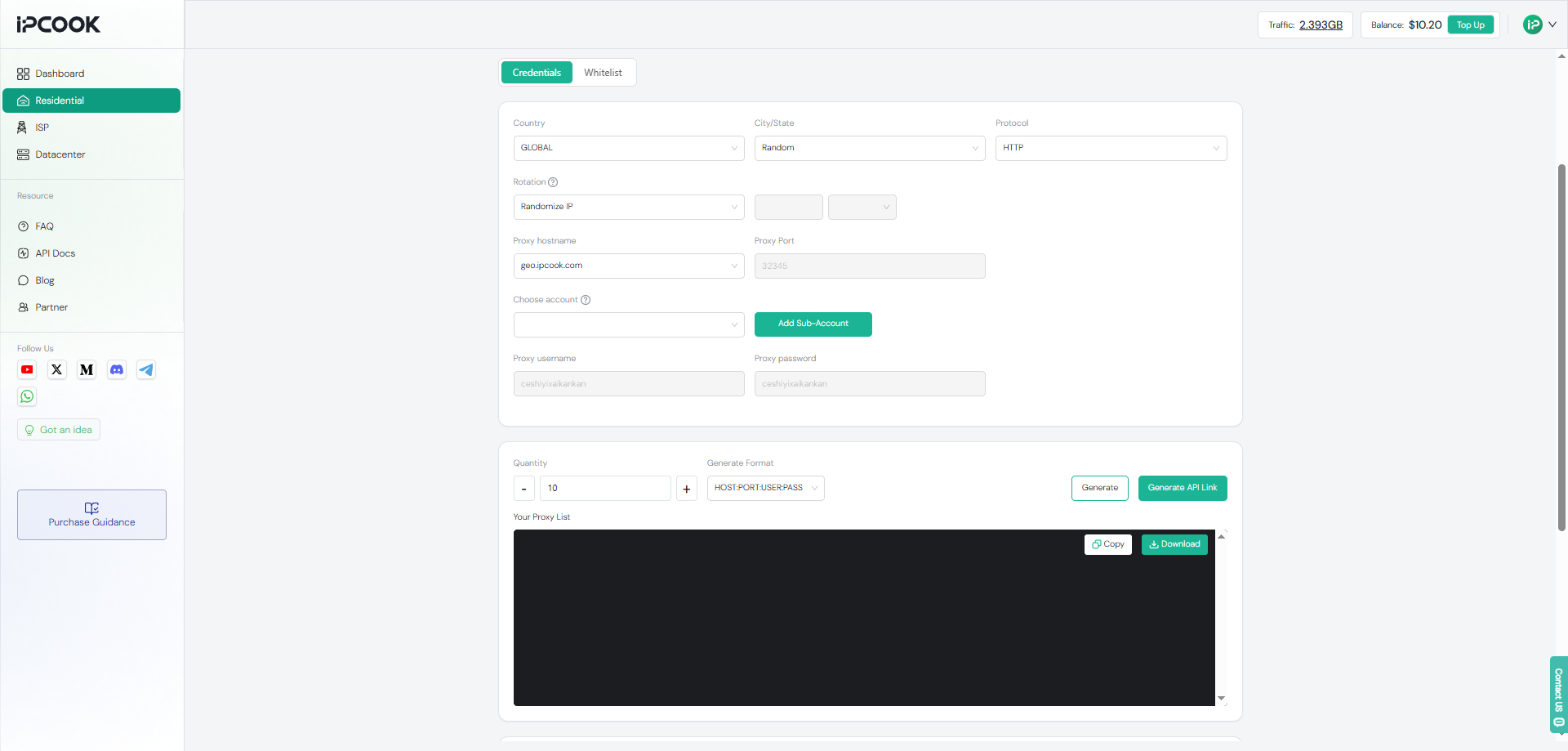
| 🔌 Global connection settings | Use local direct mode, an IPCook API link, or an IPCook proxy list |
| 🧾 Proxy list parsing | Paste proxies in common formats and let the app normalize them automatically |
| 🧭 Exit IP check | Display the current exit IP and country code, for example ip: 1.2.3.4 US |
| 👤 Profile scraping | Collect username, nickname, followers, bio, and video list |
| 🚦 Profile metadata traffic modes | Stable mode keeps full page loading; data-saving mode applies only when video and cover downloads are off |
| 🎬 Video metadata | Collect publish time, views, likes, comments, shares, collects, title, and more |
| 🖼️ Cover download | Save covers as jpg or png images |
| 📥 Video download | Supports watermarked mode and best-effort no-watermark mode |
| 🔗 Single video download | Download metadata, cover, and video from one video URL |
| 📚 Batch video download | Paste multiple video URLs, one per line |
| 🧩 Custom fields | Export only the fields you select |
| 📅 Time filters | Last 7 days, last 30 days, last 60 days, custom days, or all time |
| 📊 Live task progress | Shows loading, parsing, downloading, retry, error, and completion states |
| ⏸️ Pause and resume | Pause a running task and resume it from the next safe checkpoint |
| 🛑 End after current video | Request a graceful stop after the current video finishes |
| ♻️ Retryable batches | Large profile and batch jobs are split into smaller retryable batches |
| 📝 Failed video list | Failed videos are saved to failed-videos.txt for later retry |
- Updated the IPCook sponsor banner to the latest PNG asset.
- Added a downloaded media screenshot so users can see the saved MP4 and cover output after a successful scrape.
- Added profile-only metadata traffic modes:
Stable mode: keeps the existing browser loading behavior for better compatibility.Data-saving mode: available only when video and cover downloads are turned off; it blocks non-essential image, media, and font requests to reduce proxy traffic during metadata scraping.
- Optimized profile scrolling. The scraper no longer blindly uses the full configured scroll count when enough videos have already been found. If the account publishes fewer videos than the requested max count, the scraper can stop early instead of running every scroll round.
- Metadata-only profile scraping no longer verifies video download sources, which avoids extra requests when the user only needs account and video metadata.
- Refined the web UI spacing and alignment, including the profile scrape controls, traffic mode placement, input text alignment, and the single-video URL field height.
Make sure your environment has the following installed:
| Environment | Requirement |
|---|---|
| Operating system | Windows 10/11, macOS, or Linux |
| Node.js | 20 or later |
| npm | Installed together with Node.js |
| Headless browser | Playwright Chromium |
| Network | Direct access to TikTok, or a usable proxy / IPCook connection |
This project does not directly use your locally installed Chrome. It uses the Chromium browser managed by Playwright.
After installing npm dependencies, run:
npx playwright install chromiumOn Linux servers or Docker environments, install browser system dependencies as well:
npx playwright install --with-deps chromium- Git: useful for cloning the repository and version control
- Proxy service: useful when TikTok is region-limited or the local network is unstable
- IPCook proxy link: can be entered in the web console, but this project does not include any IPCook account or secret credentials
git clone <your-repository-url>
cd tiktok-scraper-consolenpm installnpx playwright install chromiumDouble-click:
start-web.bat
The script will:
- Check Node.js and npm
- Install dependencies if missing
- Build the TypeScript project
- Start the local web console
- Open
http://localhost:6767
npm run webThen open:
http://localhost:6767
The top “Global Connection” panel applies to every task:
Local direct download: use the current computer networkUse IPCook API (Recommended): enter only an IPCook API link, for examplehttps://www.ipcook.com/api/dynamic/genips?...Use IPCook proxy: paste one or more proxy entries in the proxy list. The app supportsHOST:PORT:USER:PASS,HOST:PORT@USER:PASS,USER:PASS:HOST:PORT, andUSER:PASS@HOST:PORT.
Click “Check IP” to verify the exit IP that will be used by scraper tasks.
When a TikTok page fails to open after retries and more proxies are available, the task switches to the next proxy and starts the same task again from a safe checkpoint.
Enter a TikTok profile URL in this format:
https://www.tiktok.com/@<username>
Available options:
- Max video count
- Video time range
- Save video MP4
- Save cover JPG/PNG
- Watermarked or prefer no-watermark
- Custom export fields
- Metadata traffic mode:
Stable modekeeps normal page loading;Data-saving modeis only for metadata-only profile scraping and reduces proxy traffic by blocking non-essential resources
During a running task, the result panel shows live progress. Pause holds the task at the next checkpoint, Resume continues it, and End saves the current result after the active video finishes.
Enter one TikTok video URL in this format:
https://www.tiktok.com/@<username>/video/<video_id>
You can save metadata only, cover only, video only, or all selected outputs.
Paste multiple video URLs, one per line:
https://www.tiktok.com/@<username>/video/<video_id>
https://www.tiktok.com/@<username>/video/<video_id>
https://www.tiktok.com/@<username>/video/<video_id>
Duplicate URLs are removed automatically. If one video fails, the task retries it, skips it after repeated failures, and continues with the next URL.
Scrape a profile:
npm run scrape -- --url "<profile-url>" --max-videos 30Scrape metadata with lower proxy traffic:
npm run scrape -- --url "<profile-url>" --max-videos 100 --data-savingDownload videos and covers:
npm run scrape -- --url "<profile-url>" --download --max-videos 10Prefer no-watermark sources:
npm run scrape -- --url "<profile-url>" --download --no-watermark --max-videos 10Show the browser for debugging:
npm run scrape -- --url "<profile-url>" --headfulLarge job batching and retries:
npm run scrape -- --url "<profile-url>" --download --max-videos 100 --task-batch-size 20 --task-retries 2Common options:
| Option | Description |
|---|---|
--username <name> |
TikTok username, with or without @ |
--url <url> |
TikTok profile URL |
--max-videos <number> |
Maximum video records |
--scroll-times <number> |
Maximum profile scroll rounds; the scraper stops early when enough videos are found or no more videos appear |
--download |
Download videos and covers |
--no-watermark |
Prefer likely no-watermark video sources |
--data-saving |
Block image, media, and font requests during metadata-only scraping |
--download-concurrency <num> |
Parallel media download count |
--task-batch-size <num> |
Batch size for large jobs, default 20 |
--task-retries <num> |
Retry count for failed batches or videos, default 2 |
--output <dir> |
Output directory |
--proxy <proxyUrl> |
CLI proxy, for example http://user:pass@host:port |
--headful |
Show the browser window |
Copy the example file:
cp .env.example .envAvailable settings:
TIKTOK_DEFAULT_USERNAME=tiktok
HEADLESS=true
DEFAULT_OUTPUT_DIR=data
DEFAULT_MAX_VIDEOS=30
PROXY_URL=http://user:pass@host:port
Notes:
- The web console sends proxy information only when proxy mode is selected
- Local direct mode ignores and clears the proxy input
- Do not commit private proxy URLs or credentials to GitHub
Each task creates a new output folder. The folder name contains the account or task name plus the execution timestamp:
data/<account-or-task-name>-<timestamp>/
Typical output:
<run-folder>/
  <account>-<timestamp>.json
  <account>-latest.json
  failed-videos.txt
  failed-videos.json
  downloads/
    <video-id>-video.mp4
    <video-id>-cover.jpg
If no video fails, failed-videos.txt and failed-videos.json are not created.
{
  "scrapedAt": "2026-07-29T12:00:00.000Z",
  "profileUrl": "https://www.tiktok.com/...",
  "account": {
    "uniqueId": "example",
    "nickname": "Example",
    "signature": "Creator bio",
    "followerCount": 1000
  },
  "videos": [
    {
      "id": "1234567890",
      "url": "https://www.tiktok.com/...",
      "title": "Video caption",
      "createTime": "2026-07-29T12:00:00.000Z",
      "playCount": 100000,
      "diggCount": 10000,
      "commentCount": 100,
      "coverUrl": "https://...",
      "videoUrl": "https://...",
      "videoUrlVerified": true,
      "downloadedVideoPath": "data/example-2026-07-29T12-00-00-000Z/downloads/1234567890-video.mp4",
      "downloadedCoverPath": "data/example-2026-07-29T12-00-00-000Z/downloads/1234567890-cover.jpg"
    }
  ],
  "failedVideos": []
}TikTok tasks may fail because of region restrictions, network instability, login state, anti-bot checks, or expired signed media URLs. The tool handles these cases as gracefully as possible:
- Large profile jobs are split into smaller batches
- Failed batches are retried
- Batches that still fail are skipped so later batches can continue
- In batch video download mode, one failed URL does not stop the entire task
- Failed videos are summarized in
failedVideos failed-videos.txtcan be pasted back into batch download for another attempt
public/
  index.html       Web console layout
  styles.css       Web UI styles
  app.js           Web UI behavior
src/
  cli.ts           CLI entry
  server.ts        Local web server and API routes
  tiktok.ts        TikTok scraping and media capture logic
  downloader.ts    Streamed media downloader
  proxy.ts         Proxy helpers
  ipcheck.ts       Exit IP check
  env.ts           Environment helpers
  types.ts         Shared TypeScript types
  utils.ts         File and URL utilities
You can choose “Prefer no-watermark”. The tool will try likely no-watermark playable sources first. If TikTok does not expose a valid source, it falls back to another available video source. No-watermark output is best effort, not guaranteed.
Remote source URLs are masked in the UI for readability. Local output paths remain visible. The saved JSON files and failed-videos.txt keep the full video URLs where needed.
You can try. Availability depends on the exit IP, regional restrictions, profile visibility, and TikTok anti-bot behavior. Use “Check IP” to confirm the proxy or local network currently being used.
No. Higher counts increase page loading, URL validation, and download time. They can also increase the chance of rate limits or network timeouts. The tool includes automatic batching and retries, but large jobs are still better handled in smaller runs.
This project is intended only for learning, research, and lawful data organization. Users are responsible for ensuring that scraping and downloading activities comply with platform terms, content permissions, and local laws. The author is not responsible for misuse, infringement, account restrictions, data loss, or third-party service limitations.


